
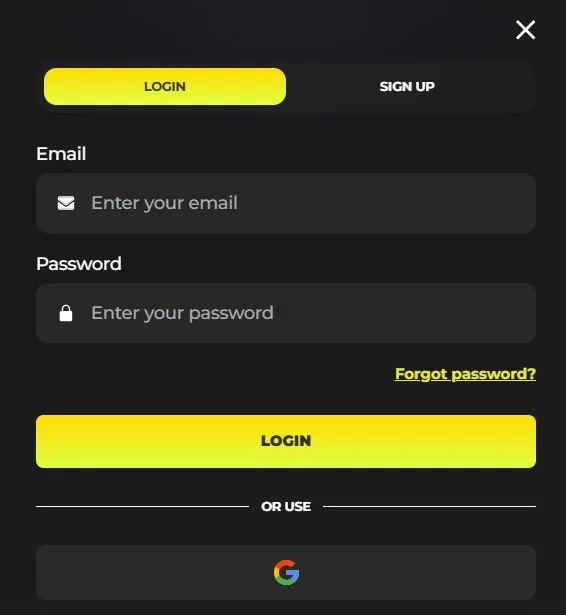
The Need4Win login gives returning account holders access to their casino account. Open our official site and select the login control. Use the registered email address and password linked to your account.
- Open the official Need4Win website.
- Select the login control.
- Enter your registered email address.
- Enter your password and continue.
Our account area helps you return to your games and account settings securely. Keep your registered email available when you sign in.
Forgot your password?
Our password recovery flow restores access when your usual password no longer works. Select “Forgot password” from the sign-in area and follow the recovery instructions for your registered email address.
Use the same email address that you used for your Need4Win account. Create a new password that you have not shared with anyone else.
Why can Need4Win sign-in fail?
Wrong credentials, an unverified email address, or an active self-exclusion can prevent access to our platform. Check that your email address and password match your account details exactly.
Common access issues include:
- An incorrect email address or password
- An email address that still requires verification
- An active self-exclusion on your account
An active self-exclusion restricts account access for its selected period. If you cannot resolve the issue, contact our Customer Support team with your account email and a clear description of the problem.
Account security and support
We protect your account when you use only the official Need4Win site for sign-in. Never share your password, recovery details, or account access with another person.
Report unfamiliar account activity to our Customer Support team immediately. We can help investigate unresolved access concerns and guide you through the next steps.